
1
/
/
1
Hide/Change Product Names in PayPal Transactions (WordPress WooCommerce) 2025
常规价格
$49.00
常规价格
促销价
$49.00
单价
/
单价
结账时计算的运费。
Boost your Shopify store with premium code snippets—easy to install, instantly upgrade functionality, and enhance customer experience. Trusted by merchants worldwide.
54 Downloads
无法加载取货服务可用情况
Immediate download.
Immediate download.
Only copy & paste code
No monthly fees.
No monthly fees.
Safe checkout
Safe checkout
Share

Description
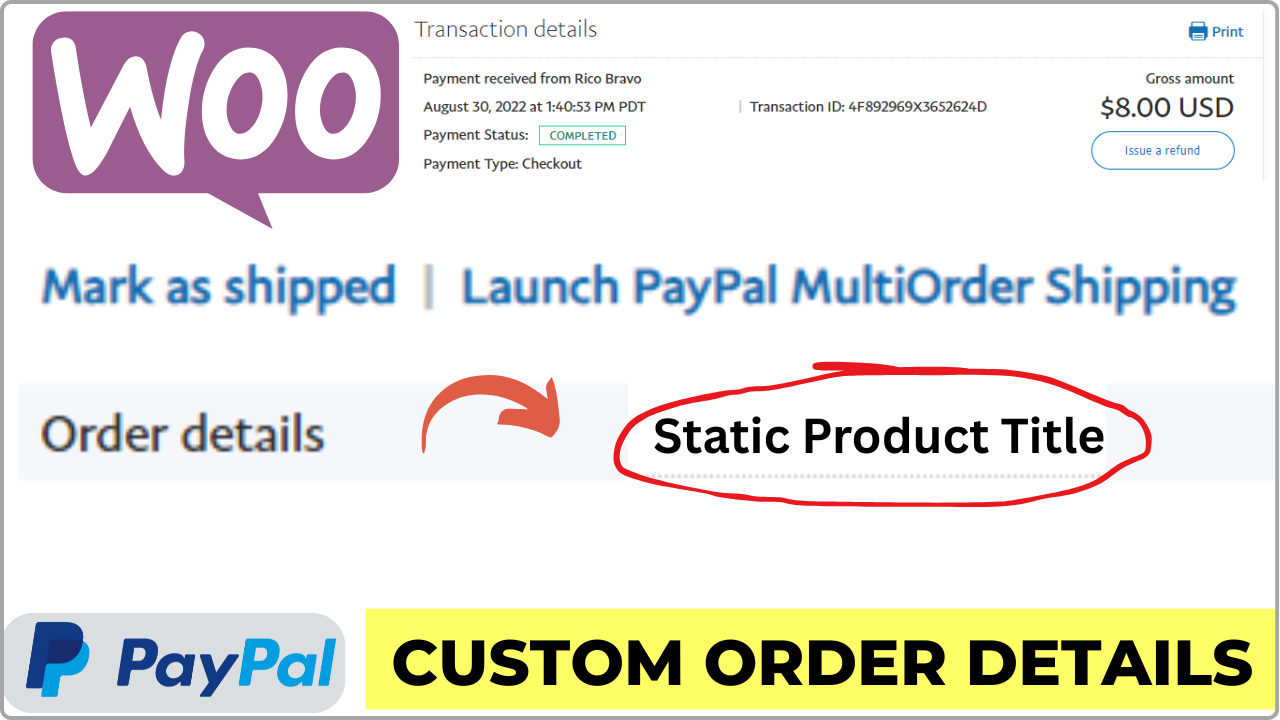
Are you concerned about PayPal displaying your actual product names in customer receipts and transaction details? This step-by-step WooCommerce tutorial explains how to hide or customize product names in PayPal transactions for your WordPress store.
Instead of exposing internal product titles, private-label names, or wholesale details, you can display clean and professional text such as “Order #1234” or a static, branded product title.
Why This Is Important
- Protect private-label and wholesale product information
- Hide internal or sensitive product names from PayPal receipts
- Show clean, branded transaction descriptions
- Reduce customer confusion and unnecessary support requests
- Maintain a professional and consistent checkout experience
What This Tutorial Covers
- Plugin-free method using WooCommerce and PayPal settings
- Advanced customization options for greater control
- How to replace product names with order numbers
- Bonus method to display a static product title in PayPal
Ideal For
- WooCommerce store owners
- Private-label and dropshipping businesses
- Wholesale and B2B stores
- Anyone who wants full control over PayPal transaction details