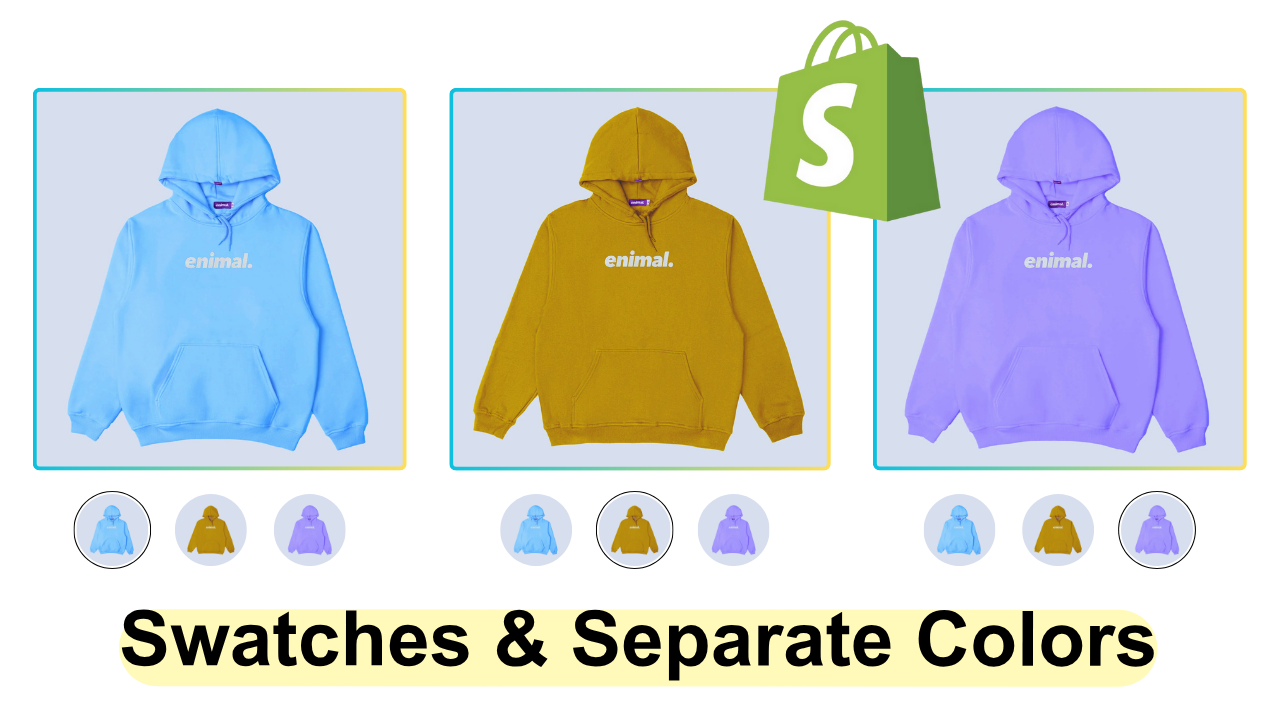


How to Add IMAGE Swatches on Collection Page + Show Color Variants as Separate Products – Shopify
How to Add IMAGE Swatches on Collection Page + Show Color Variants as Separate Products – Shopify
Regular price
$9.99
Regular price
Sale price
$9.99
Unit price
per
 Rated 4.9/5 by 86+ Happy Clients
Boost your Shopify store with premium code snippets—easy to install, instantly upgrade functionality, and enhance customer experience. Trusted by merchants worldwide.
86 Downloads
Couldn't load pickup availability
Immediate download.
Immediate download.
Only copy & paste code
Only copy & paste code
No monthly fees.
No monthly fees.
Safe checkout
Safe checkout