


How to Add Color Swatches on Collection Page + Show Color Variants as Separate Products – Shopify
How to Add Color Swatches on Collection Page + Show Color Variants as Separate Products – Shopify
 Rated 4.9/5 by 79+ Happy Clients
Boost your Shopify store with premium code snippets—easy to install, instantly upgrade functionality, and enhance customer experience. Trusted by merchants worldwide.
无法加载取货服务可用情况
Immediate download.
Immediate download.
Only copy & paste code
Only copy & paste code
No monthly fees.
No monthly fees.
Safe checkout
Safe checkout
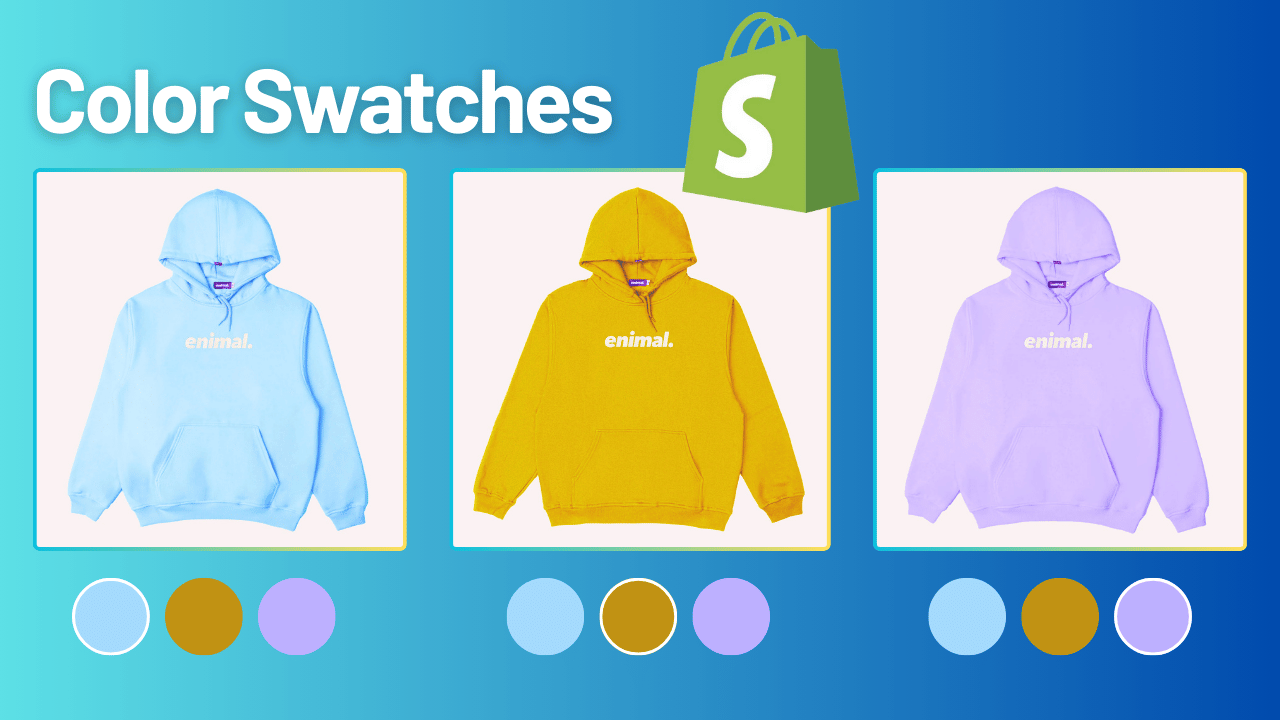
Description
Want to make your Shopify store more visual and user-friendly? In this step-by-step tutorial, you’ll learn:
✅ How to add color swatches (color, size, pattern) to your collection page—copy paste coding required!
✅ Display product color variants as separate listings (great for SEO and customer experience).
✅ Customize your swatches to match your store’s branding.
🌟 Why This Matters:
✔️ Helps customers easily browse product options.
✔️ Boosts conversions with a more interactive shopping experience.
✔️ Improves SEO by making color variants appear as individual products.
🔧 Perfect for: Shopify store owners using Dawn, and free themes.